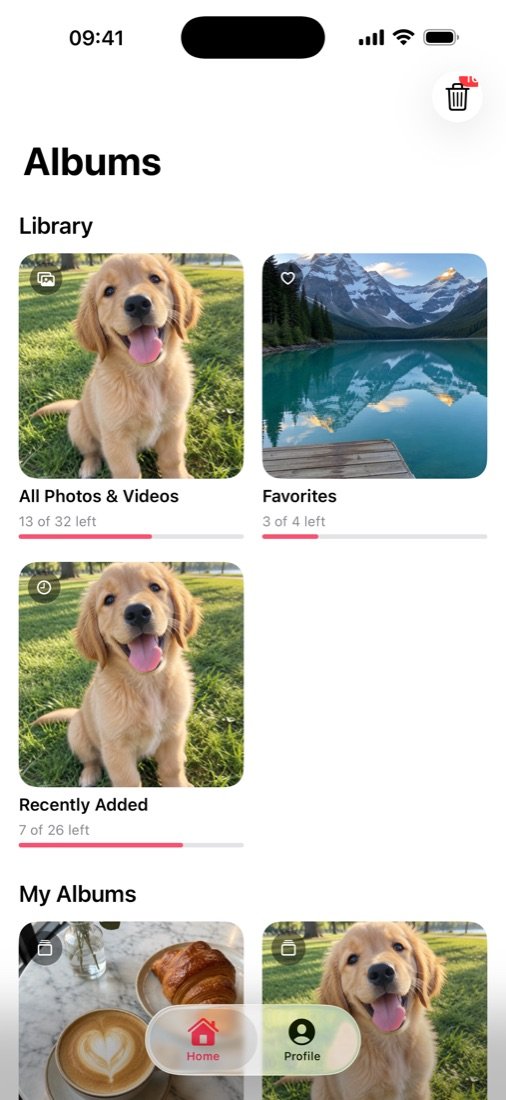
Pick an album
Start with everything, or just Screenshots, Favorites, Videos, Selfies or one of your own albums.
 PhotoSwipe
Get the app
PhotoSwipe
Get the app
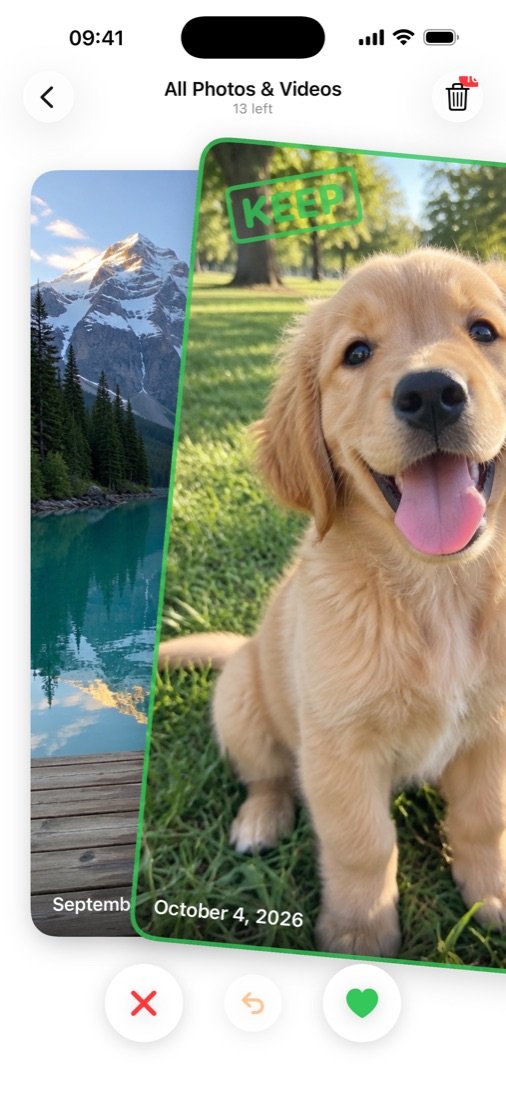
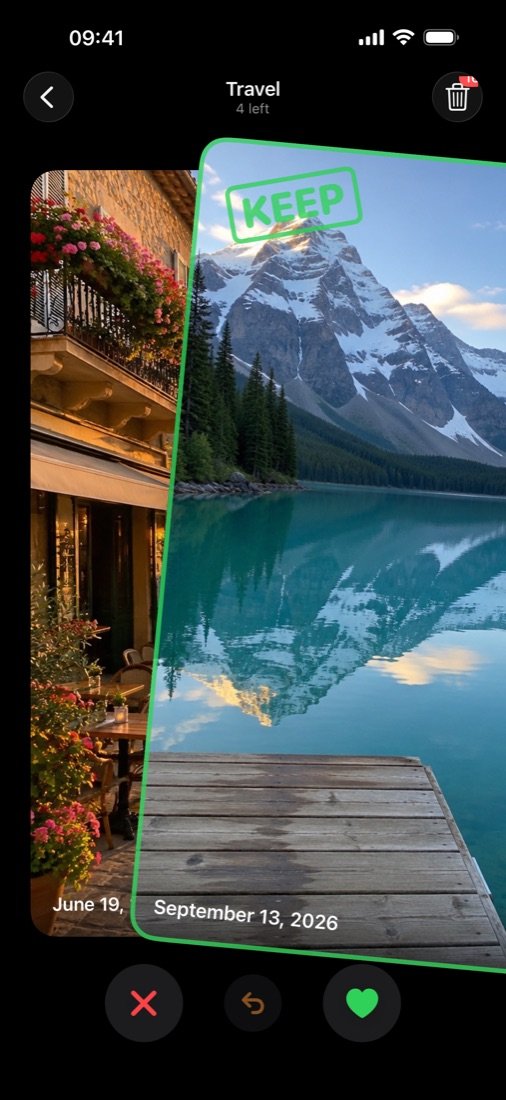
Your camera roll, one card at a time. Swipe right to keep, left to let go, and clean up thousands of photos in the time it takes to finish a coffee.
That's the whole idea.
Go on, drag a photo. This one's real.
No sorting rules, no folders to set up. Just you, your photos and your thumb.
Start with everything, or just Screenshots, Favorites, Videos, Selfies or one of your own albums.
Right keeps it. Left adds it to your trash. Videos play right on the card, and undo is always one tap away.
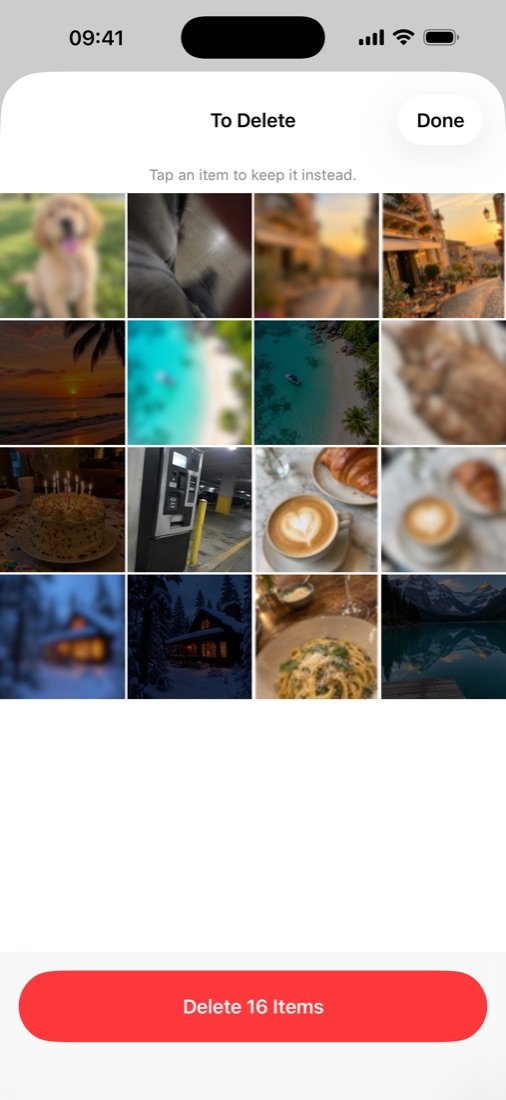
Look over everything you marked, rescue anything you changed your mind about, and delete it all in one go.
A left swipe is a "probably", not a "goodbye". Everything you mark waits in your trash until you decide it's time.
This button is just for show. In the app, iOS asks you first.
Clean up in five-minute bursts. Progress bars show how much of each album is left, and photos you've already reviewed never come back.
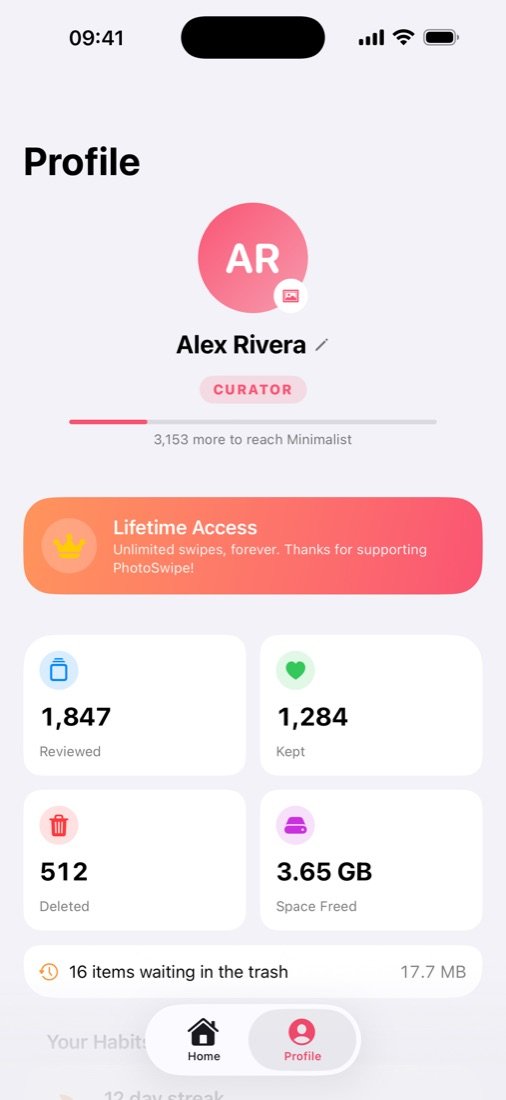
See how many photos you've reviewed and how much space you've freed. Keep a daily streak going and level up from Fresh Start to Zen Master.
Light or dark, with haptics that make every swipe feel just right.
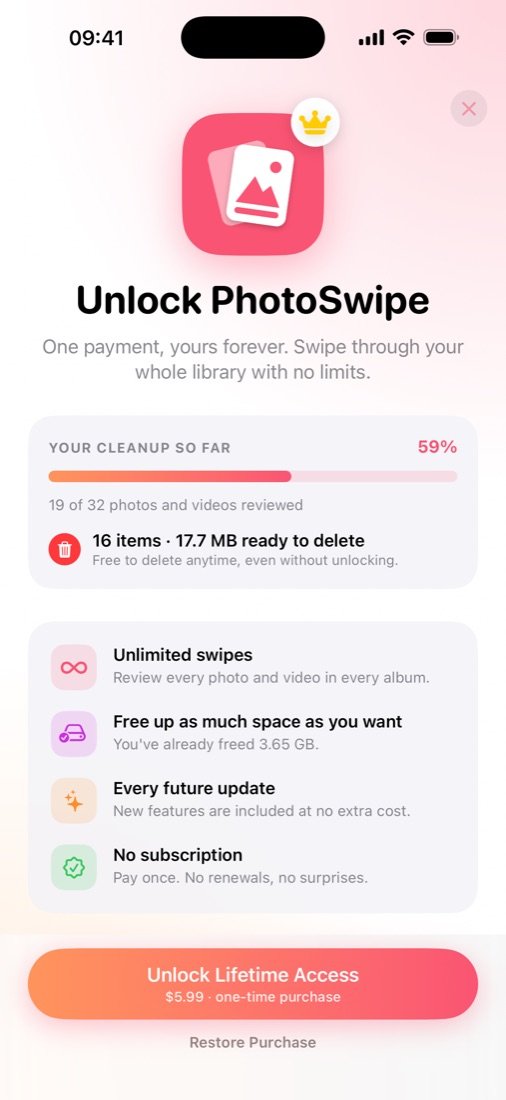
No weekly fees, no renewals, no surprises.
Enough to feel the difference.
Unlimited swipes. Yours forever.
Prices in US dollars. The App Store shows the price in your local currency.
PhotoSwipe works entirely on your device. There's nothing to sign up for and nothing to upload. We couldn't see your photos if we wanted to.
No. A left swipe only adds the photo to PhotoSwipe's trash. Nothing is removed until you open the trash and tap Delete, and iOS asks you to confirm. Even then, photos stay in Recently Deleted in the Photos app for 30 days.
You can unlock unlimited swipes with a one-time purchase of $5.99 (or the local equivalent). You can still review and delete everything you've already marked without paying.
No. PhotoSwipe Lifetime is a single, one-time purchase. There's nothing to cancel and nothing renews.
Open PhotoSwipe, go to Profile and tap Restore Purchase while signed in with the same Apple Account you bought it with.
Yes. Videos play right on the card, and photos stored in iCloud are downloaded when you swipe to them.
Never. There's no account and no photo upload of any kind. Your photos and your swipe decisions stay on your device. The app only sends anonymous usage counts, like swipes per session, and you can switch those off in Profile.
iPhone and iPad running iOS 17 or later.
Start with 100 free swipes. No account, no subscription, nothing to set up.
Get it on the App Store